Login to your timeION account
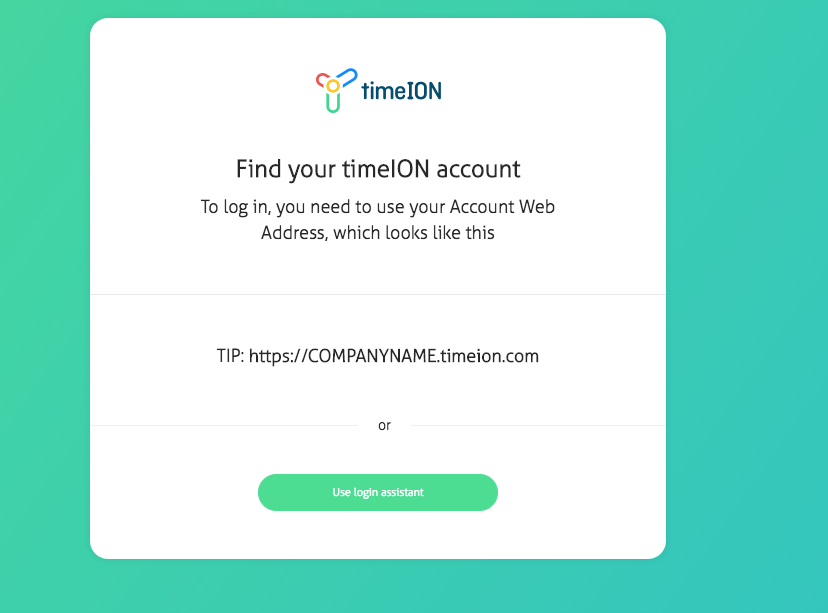
Every new company or organization created in timeION is available within a subdomain - e.g. YourCompany.timeion.com
In order to log in, users need to know this account web address.
In case you don't know your timeION account URL or you simply forgot, please use our login assistant.
Press the "Use login assistant" button and enter your credentials.
If the login and password are correct- your account URL will be displayed
There are two options for logging in:
1) by entering your credentials
2) by using Google Sign-in. Your company account has to have Google for Work integration turned on - please check this article for reference.
If you are still having trouble with accessing your timeION account - please contact us